
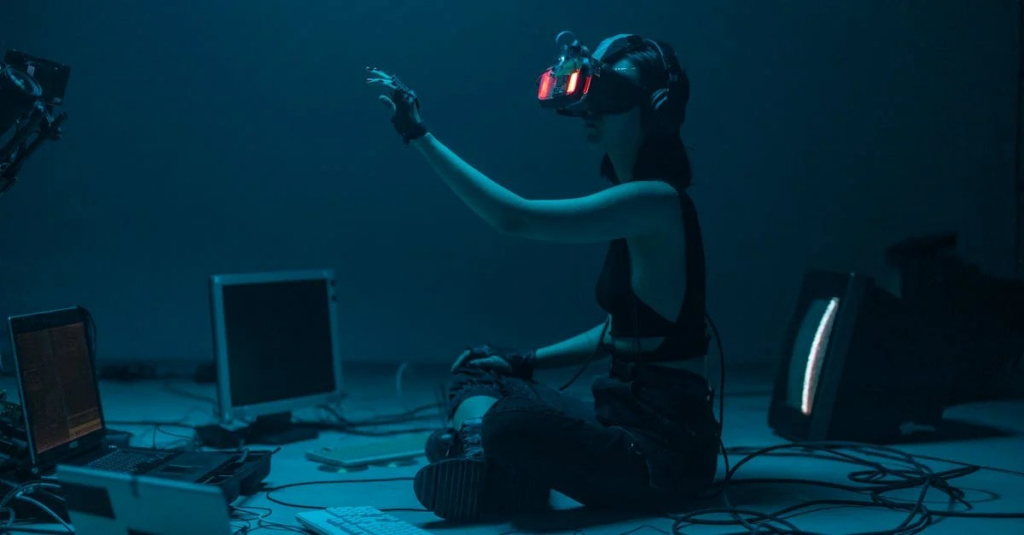
Ready to step into a world where reality takes a backseat? Virtual reality gaming offers an exhilarating escape that we all crave. But hey, not every computer can whisk us away into those fantastic realms. So, how do we choose a setup that transforms us into gaming gladiators? In this guide, we’re diving deep into the must-haves for your VR gaming PC, ensuring your experience is nothing short of exhilarating. Buckle up, because we’re about to make your gaming dreams a reality.
Understanding VR Gaming Requirements
Virtual reality gaming isn’t just a walk in the park. We need to recognize that it demands a little more from our hardware than traditional gaming. Picture this: an enthralling landscape where we can swing swords or fly spaceships, but the smoothness of our experience hinges on our PC’s capabilities. The tech specifications vary by headset, but generally, we can expect specific requirements to ensure our virtual adventures feel as real as possible.
To run the latest VR game titles without breaking a sweat, we should keep in mind measurement basics like refresh rates and frame rates. Higher numbers here translate to better visual experiences, so targeting a minimum of 90 frames per second becomes integral. Remember, the goal here is to aim for seamless immersion, where we can lose ourselves in whatever adventure we choose.
Essential Components for a VR-Ready PC
When piecing together our VR gaming PC, we have a few essential components to consider that can propel our gaming experience.
Graphics Card: The Heart of VR Performance
Without a doubt, the graphics card serves as the heart of our VR setup. It handles all the visually demanding tasks, so opting for a powerful GPU like the NVIDIA RTX series or AMD Radeon RX won’t just enhance our visuals: it’ll also keep the frame rates high and steady.
Processor: Ensuring Smooth Gameplay
Next up, let’s talk about the processor. In the world of VR, we want a CPU that can keep up with our great graphics card. Look for multi-core processors that can juggle multiple tasks without breaking a sweat. Intel i5 or i7 and AMD Ryzen 5 or 7 are excellent choices to keep the action smooth and responsive.
RAM and Storage Needs for VR
Don’t forget RAM and storage. We recommend at least 16GB of RAM for that extra bit of flow during intense gaming sessions, while a combination of solid-state drives (SSDs) for fast loading times and traditional hard drives for bulk storage can enhance our entire setup. We certainly don’t want long load times interrupting our quest.
Choosing the Right VR Headset
Finding the perfect VR headset can feel overwhelming given the myriad options available.
Popular VR Headset Options
Brands like Oculus, HTC, and Valve dominate the market, offering headsets like the Oculus Quest 2 and HTC Vive. Each has unique features tailored to different enthusiasts. We’ll want to consider factors such as field of view, resolution, and tracking capabilities.
Compatibility Considerations
Sometimes, it’s about compatibility with our chosen PC. Ensure that our selected VR headset works harmoniously with our gaming rig. A quick check on the manufacturer’s specs can save us the headache of mismatched technology.
Setting Up Your VR Gaming PC
Once we’ve gathered our powerhouse components and chosen an appropriate headset, it’s time to set everything up.
Optimizing Performance for VR Gaming
This step isn’t just plug-and-play: it involves careful tuning. From updating drivers and optimizing settings within the VR software to ensuring that our graphics settings match our hardware capabilities, there’s a lot to do. Organizing our physical space for VR is also crucial. We want ample room to move around without smacking into our furniture, after all.
Common Challenges and Solutions
Like all great things, VR gaming comes with its fair share of challenges. From motion sickness to tracking issues, things can get tricky.
First off, if motion sickness strikes, we can decrease the intensity of the game or adjust settings to a smoother experience. Sometimes, a simple break with some fresh air does wonders. For tracking problems, ensuring proper sensor placement and a clutter-free space significantly improves performance. Vowing to not become a VR crash test dummy is essential, too.